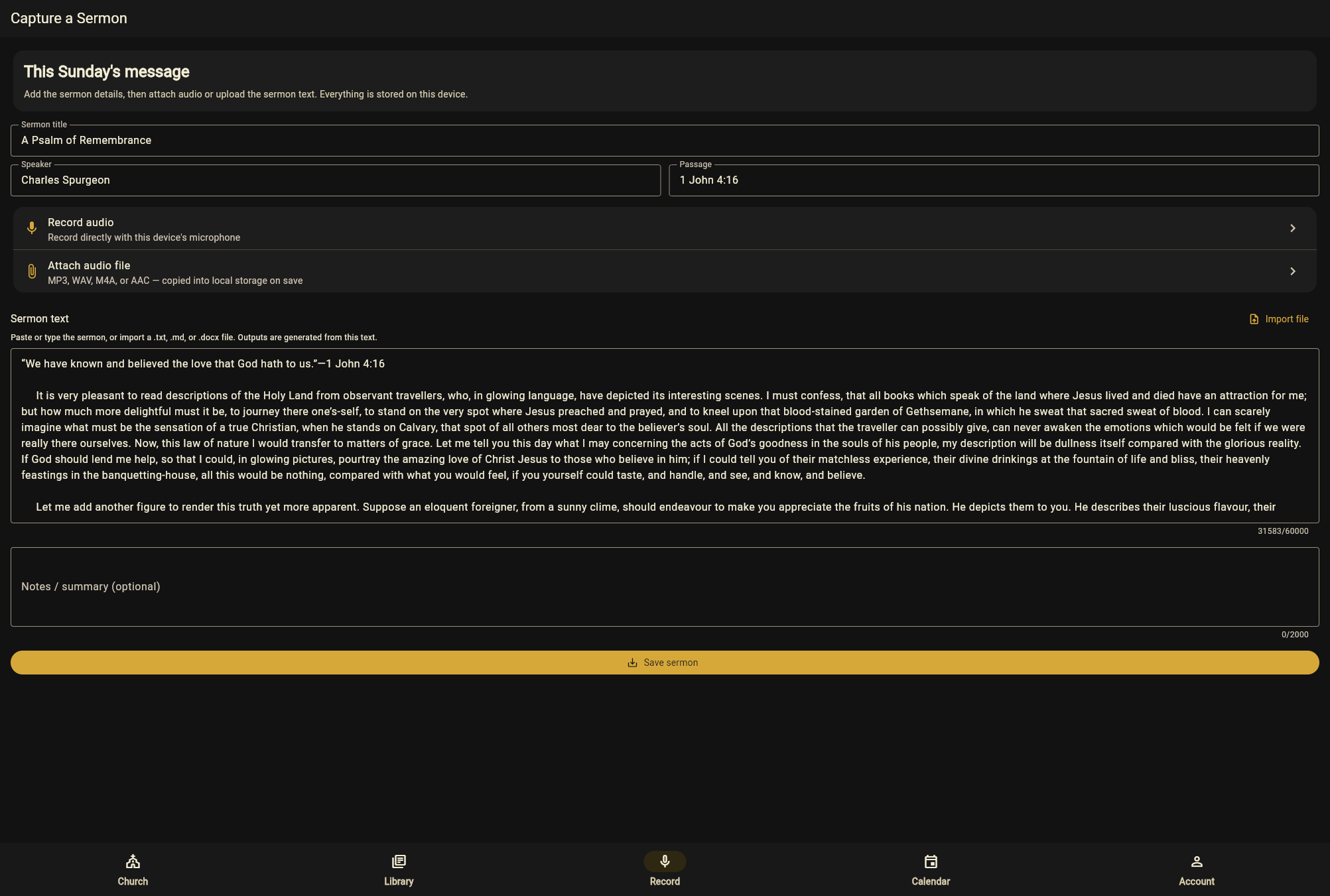
Start with the sermon you already preached
Record straight into the app on Sunday, or import audio you already have — most churches are recording something already. Nothing is written for you, and nothing is generated until you have preached.
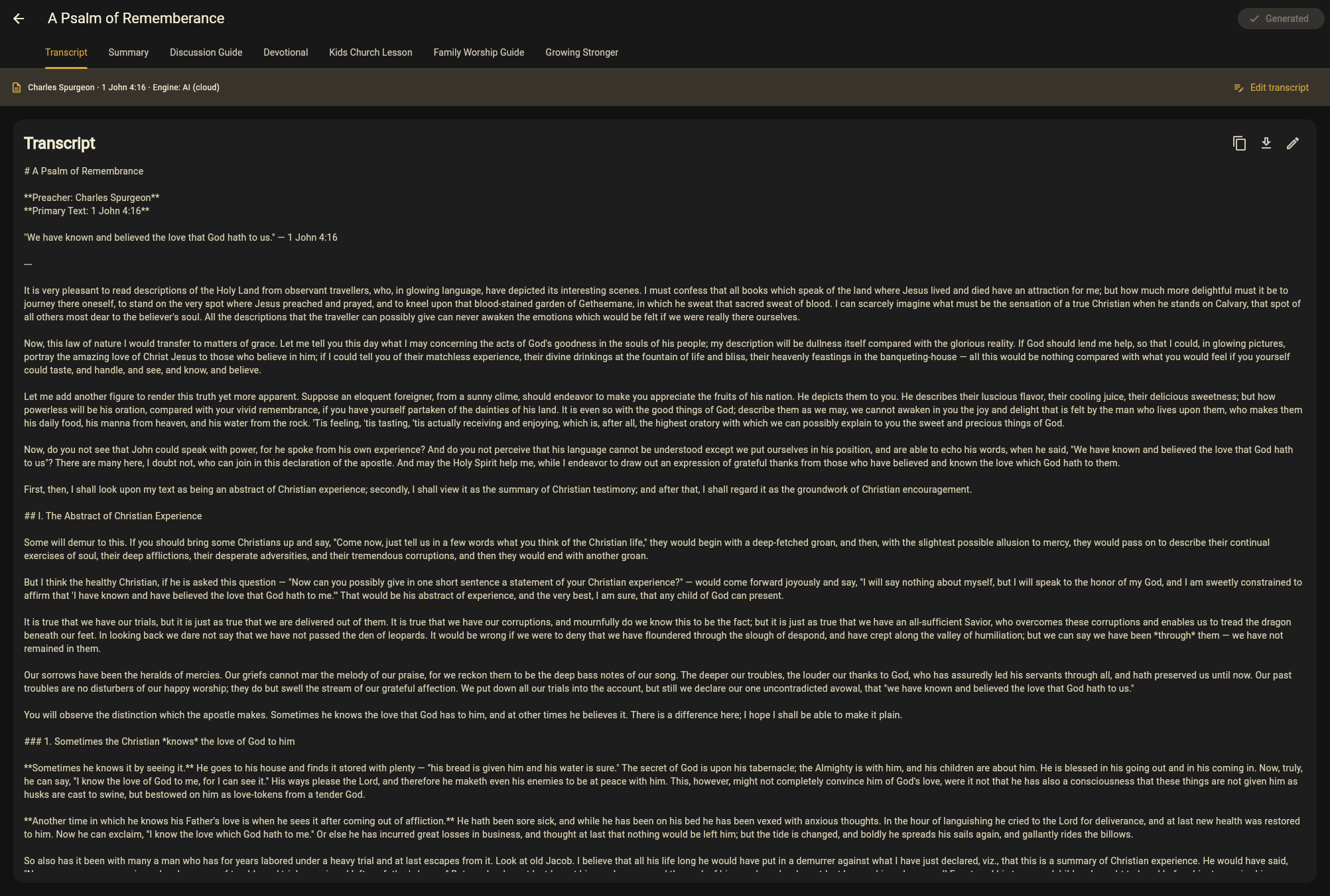
It transcribes what you said
The transcript is the foundation for everything after it, and it's yours to correct. Every draft that follows is built from your actual words, not from a topic label or a template.
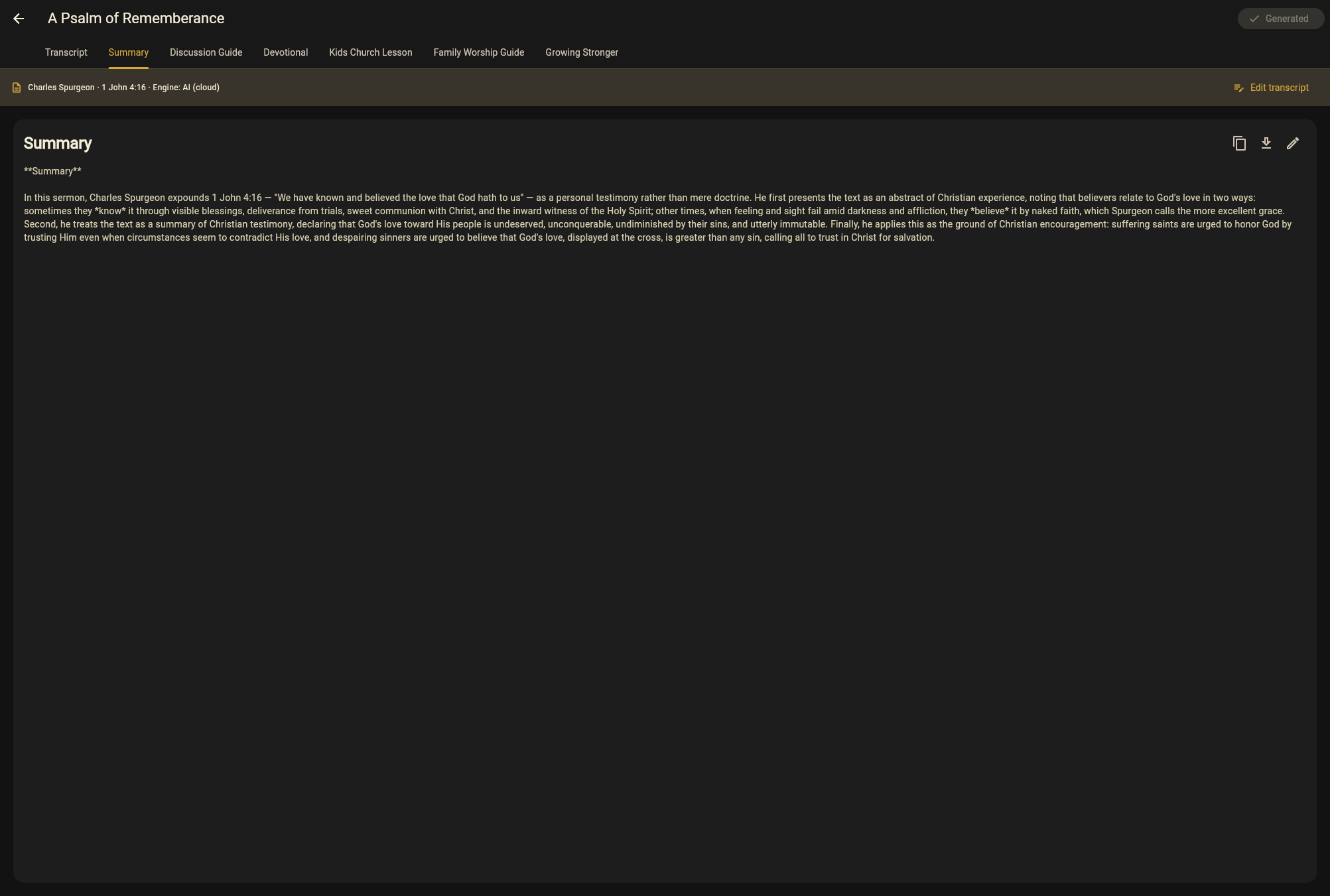
A summary your church can actually read
A clean written version for the bulletin, the website, or the people who were away on Sunday. Edit it like any other draft — it's a starting point, not a finished statement from someone else.
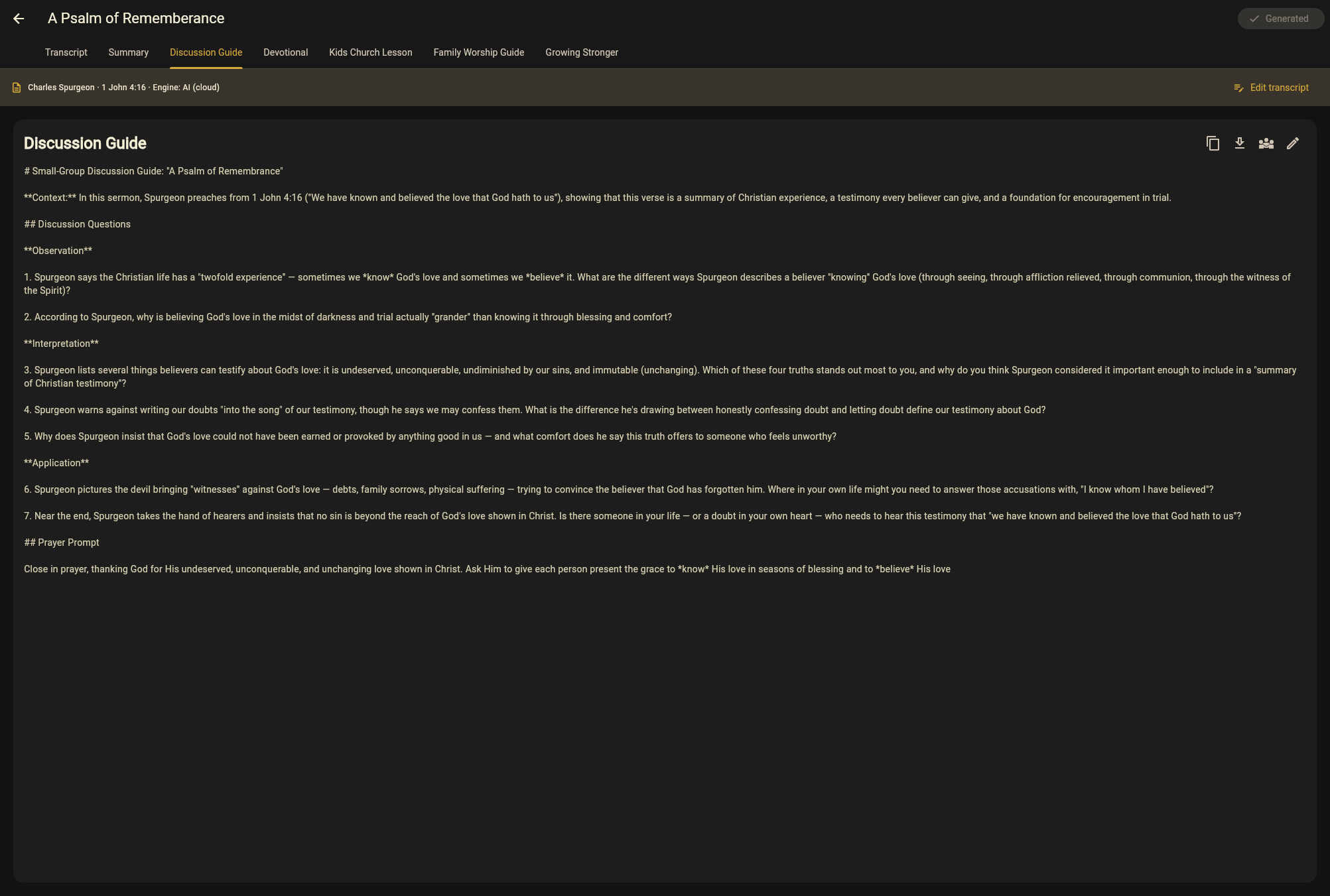
Questions your small groups can use on Tuesday
Discussion questions drawn from the passage you actually preached, so the group is continuing Sunday rather than starting something unrelated. Small-group leaders stop writing these from scratch.
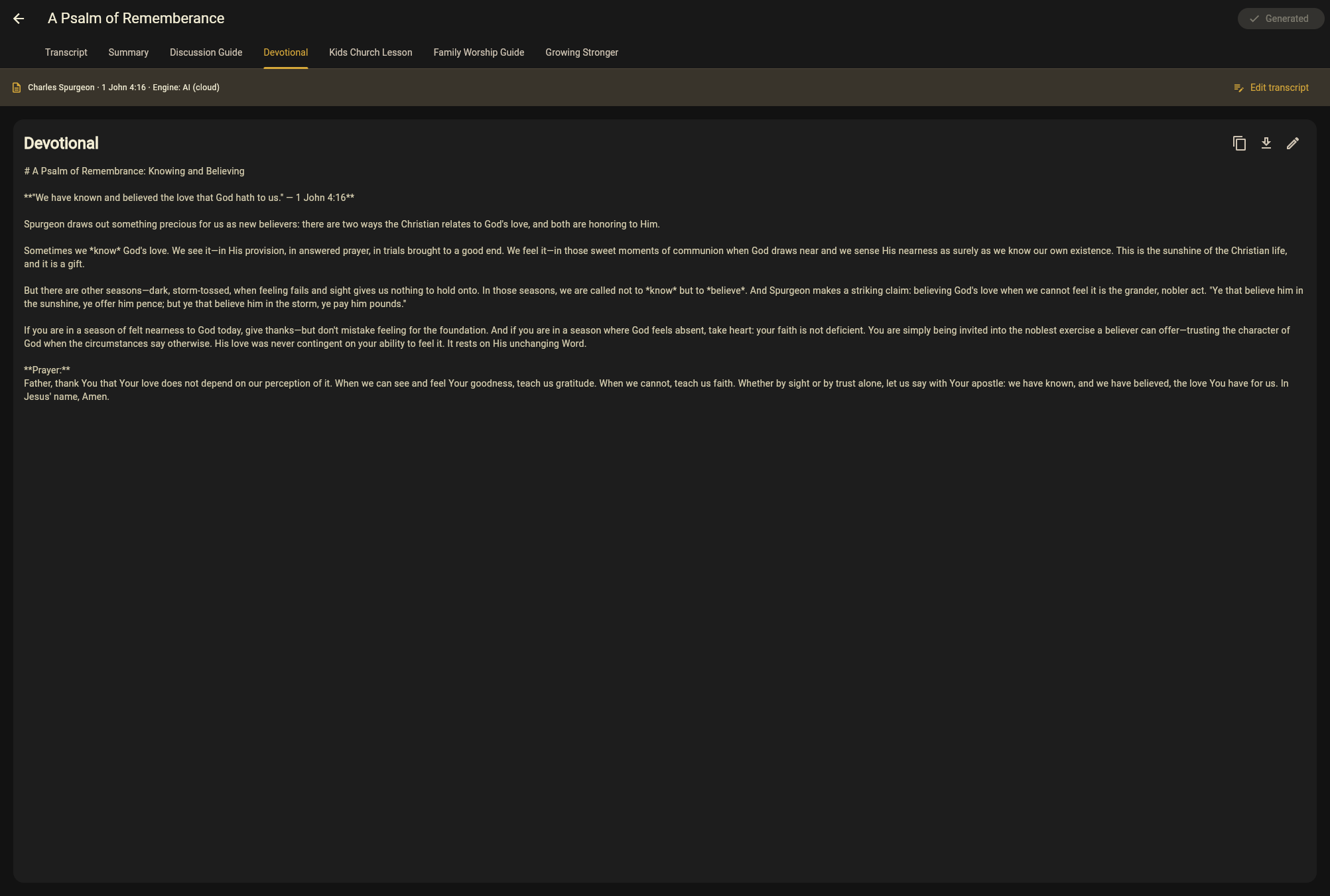
A devotional that carries the week
Short readings that keep Sunday in front of people midweek — for a newsletter, an app post, or a printed card. Same sermon, same passage, a different shape.
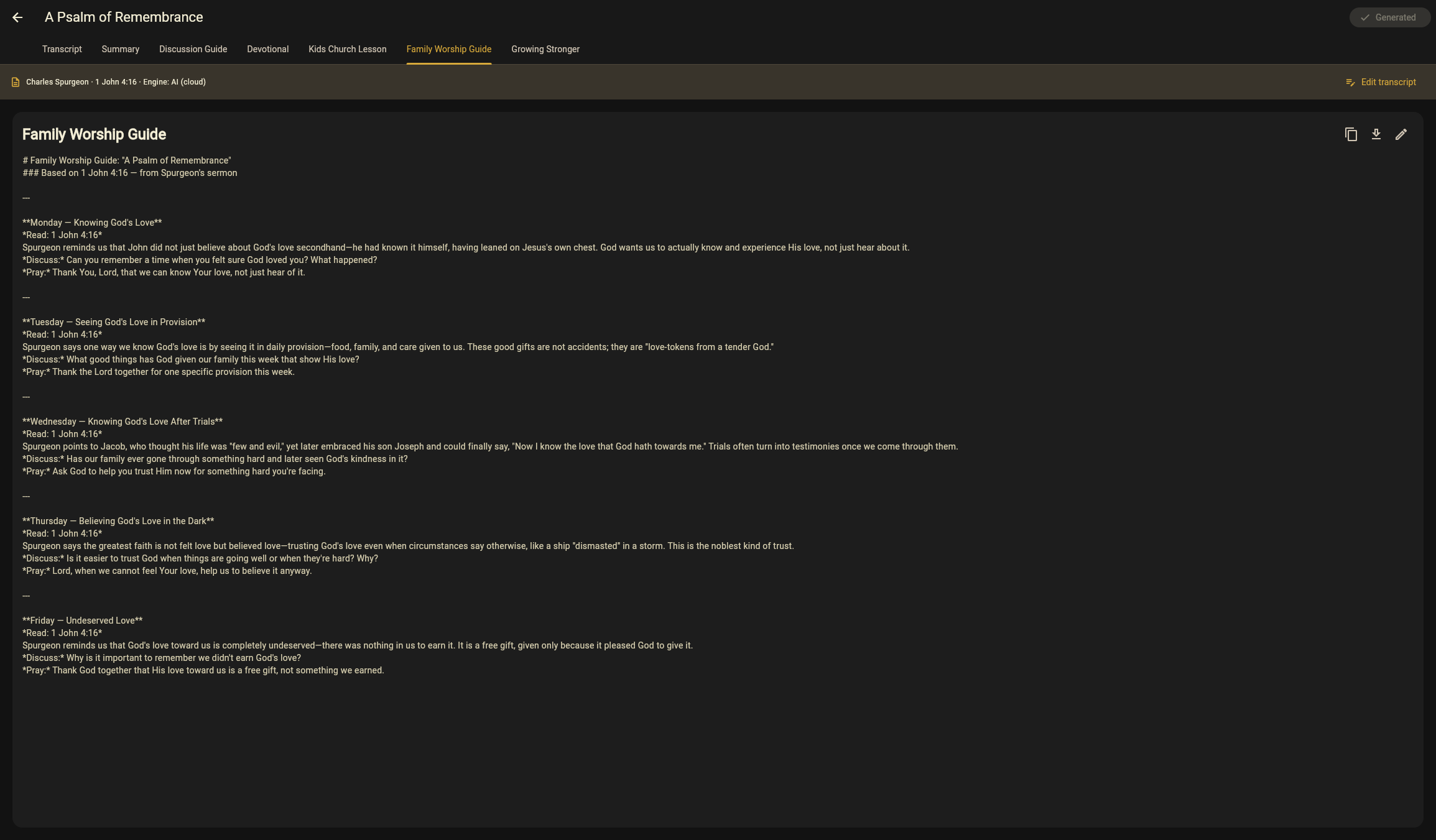
The same passage, for children and for families
A kids' version pitched for children's ministry, and a Family Worship Guide households can use at the kitchen table. The whole church works through one passage in the same week — which is hard to coordinate by hand and easy here.